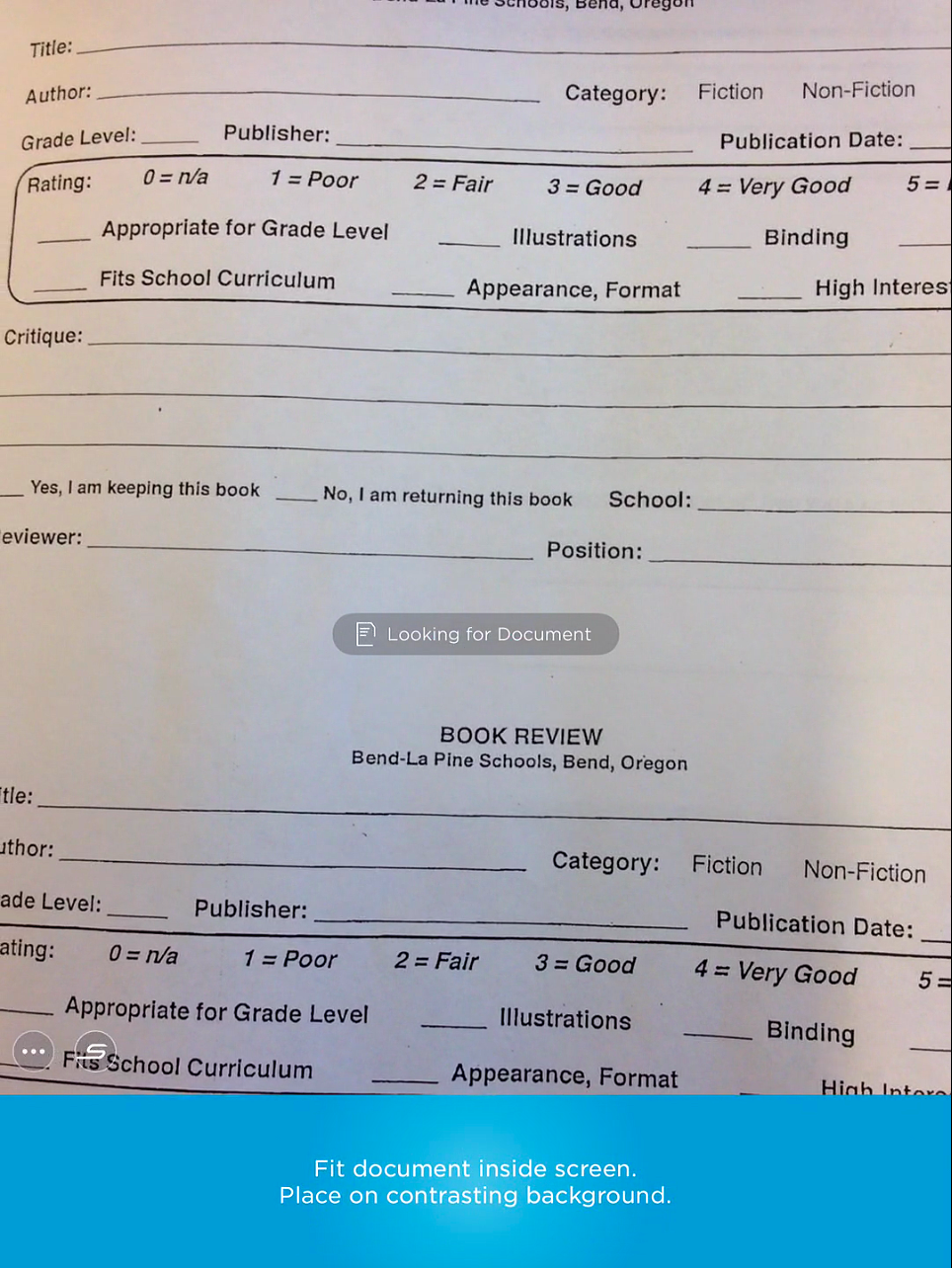
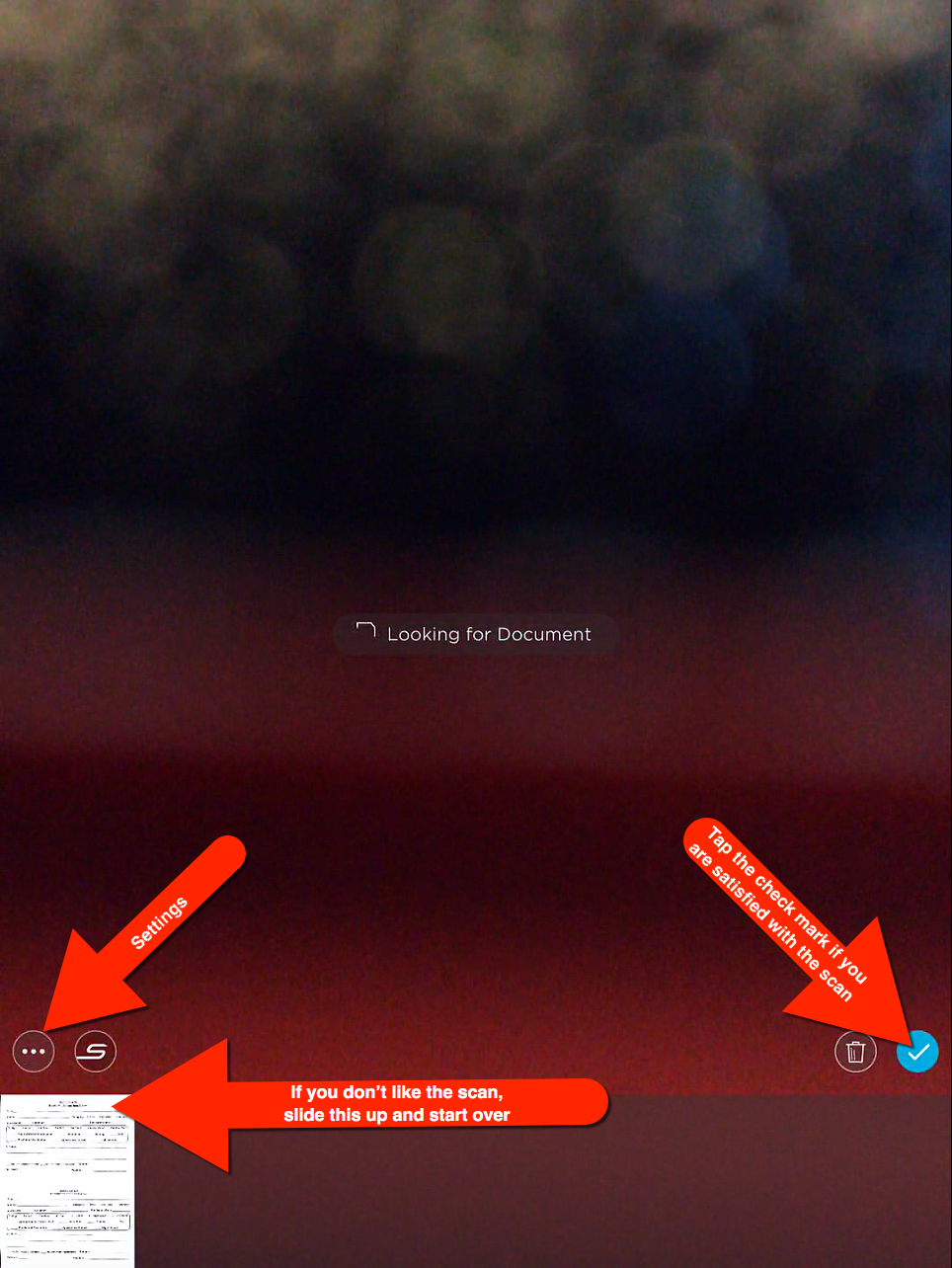
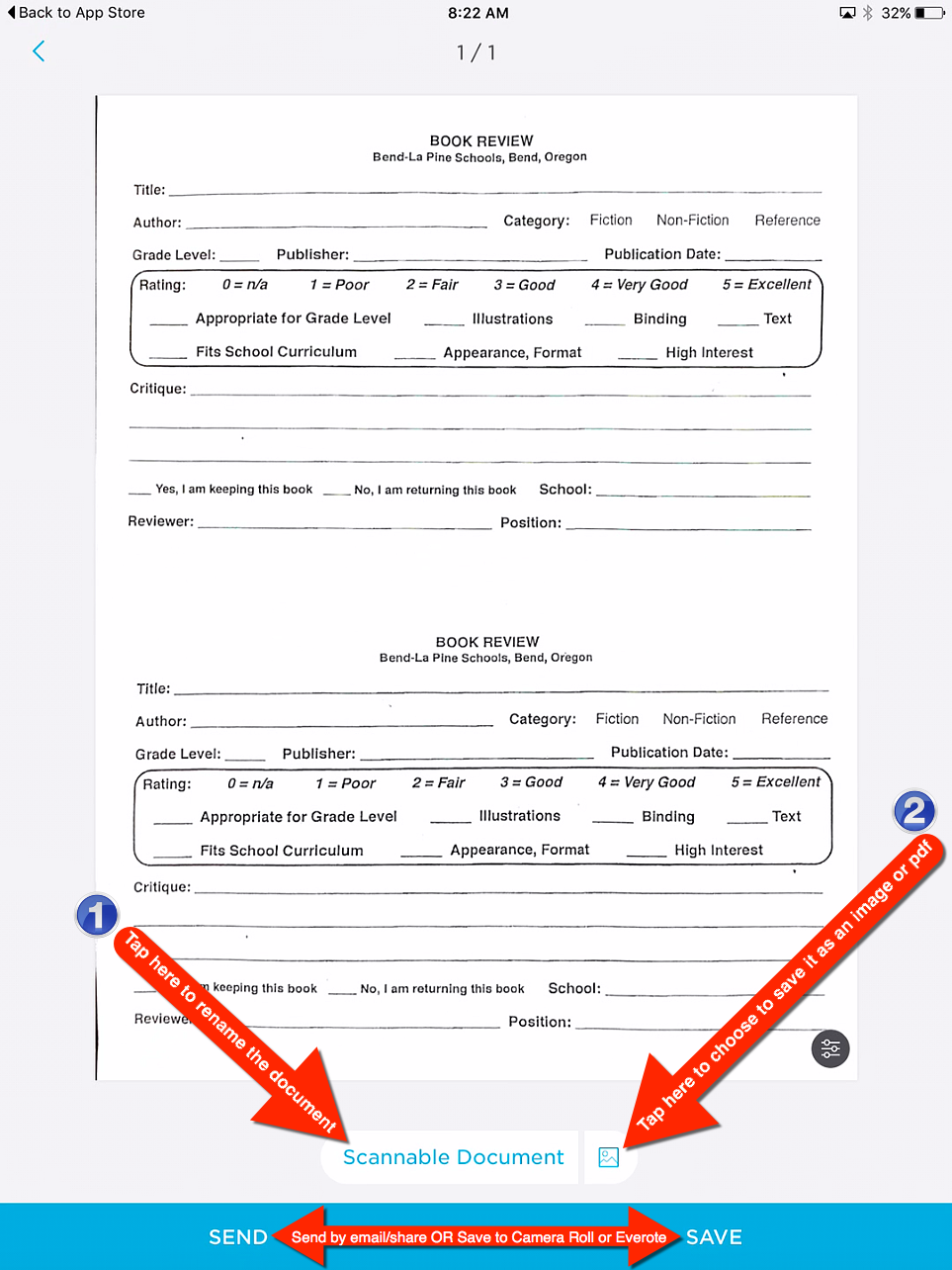
It’s true that the iPad and most smartphones take pretty great pictures. Our cameras are probably what people use most in order to save or share an image. However, when taking a picture of a document, you often get shadows, not to mention any wrinkles the paper might have. This is why I use the Scannable app. It works great with Evernote, but can be used solo. I use it to file digitally, scan documents so that I can type on them, send recipes, etc. It has continued to impress me as it keeps improving. Some of its fabulous features are: it removes shadows, wrinkles and you can save it as an image or pdf. Here’s how it works: