 Last year I wrote about Adobe Slate being a great tool for creating a newsletter among other things. Well, since then it has changed and merged 3 great Adobe tools into one place called Adobe Express. The 3 tools (descriptions from Adobe):
Adobe Express: Pick a photo, add text and apply design filters to instantly start a viral phenomenon (remember Adobe’s words, not mine).
Adobe Express is perfect for a poster, social graphic, or even an image to insert into an email.
You can also create web pages in Adobe Express. Turn words and images into beautiful, magazine-style web stories that will impress readers on any device.
A web page is perfect for a newsletter, invitation, adventure, or report.
Adobe Express Video: Record your voice, add photos or icons, select from professional-quality soundtracks and cinematic motion — and voila!
Video is perfect for engaging your audience by showing them what you’re creating in your class, library or school. Mix it up by using the Page feature to communicate one week and then using Video the next week.
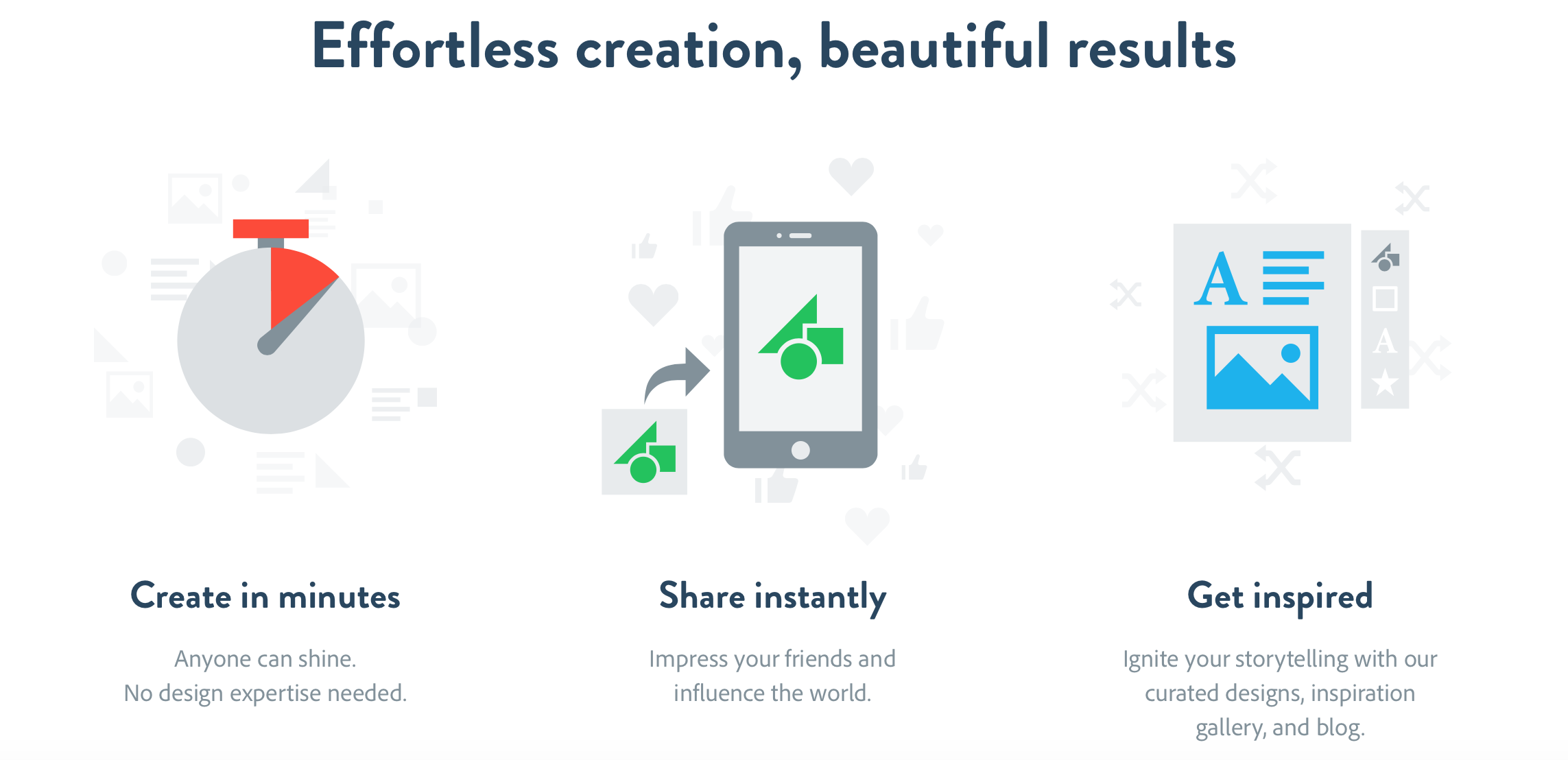
My biggest plug for Adobe Express is that it creates a professional product quickly and efficiently AND it’s easy to share.

I use Adobe Spark for lots of our district wide social media and communications. I love it!
Me too!