Skip to content

BLS Educational Technology

Ideas, Activities and Resources for Bend-La Pine Schools

Menu

Primary menu

Getting a Pointer on Your iPad

Posted on April 24, 2015 by John Craft

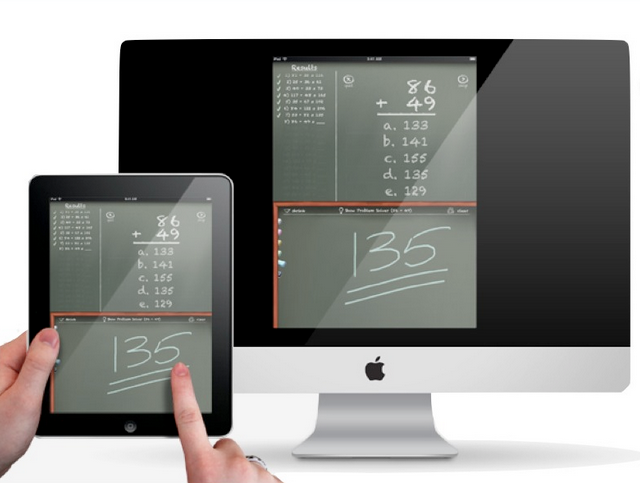
Remember the days before GPS/smartphones and you gave directions to your house (or were given directions to someone else’s house)? Neither of you had paper, so the directions were just verbalized to you. How many wrong turns were taken? I Continue reading Getting a Pointer on Your iPad→

Posted in Uncategorized

Creating a QR Code

Posted on April 22, 2015 by Christie Boen

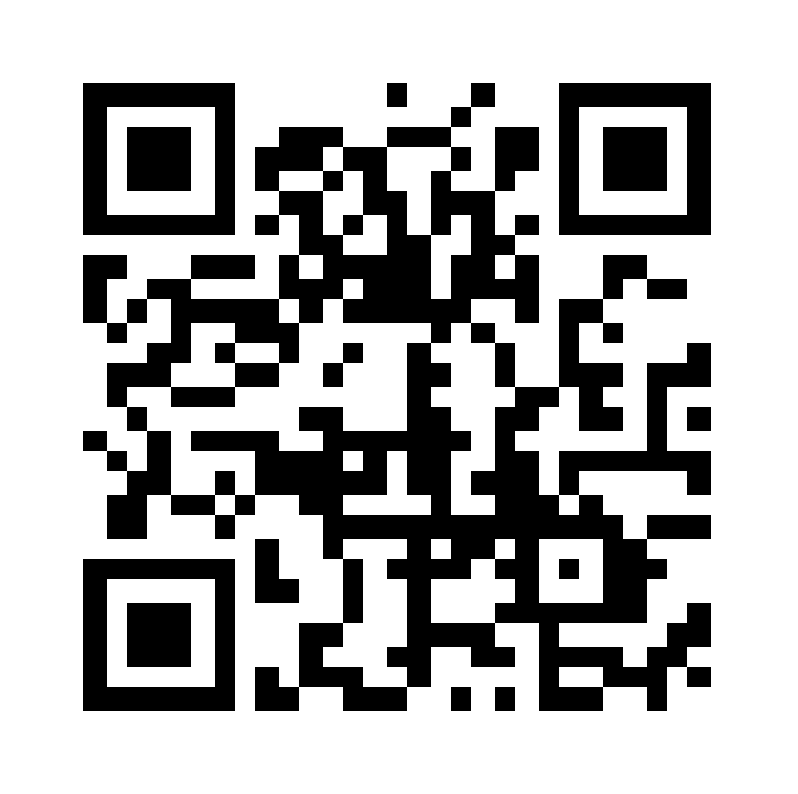
Here’s a quick video demonstrating how to create a QR code. It’s quick and easy!

Posted in Uncategorized

Deleting an Incorrect Email Address in Outlook

Posted on April 21, 2015 by Christie Boen

Here’s a quick tip on how to delete an incorrect email address in Outlook:

Posted in Uncategorized

AirServer

Posted on April 21, 2015 by Christie Boen

Many of you have recently downloaded AirServer or maybe did it awhile ago and need a bit of a refresher on how to use it. Remember, that AirServer lives in your Application Folder on your computer. You can see the Continue reading AirServer→

Posted in Uncategorized

A 12-Year-Old Girl Takes On The Video Game Industry

Posted on April 19, 2015 by Skip Offenhauser

We all have our biases.  Many we don’t even realize or know about.  As a school district we have started important conversations to uncover our biases and to address equity issues.  We haven’t solved all our issues but at least Continue reading A 12-Year-Old Girl Takes On The Video Game Industry→

Posted in Uncategorized

Interactive Keynote

Posted on April 9, 2015 by John Craft

Have you ever heard of HyperStudio? It was a great way for students to create web-page-like presentations that easily allowed the user to create links to other pages within the document as well as link to outside sources (primarily web Continue reading Interactive Keynote→

Posted in Uncategorized

Sketchnoting in Notability

Posted on April 9, 2015 by Scott McDonald

Notability is truly our workhorse for students with regard to turning in work from student iPads.  But, Notability can be so much more!  Consider notetaking.  Some  of our students have taken to sketchnoting  (see this link).  Notability is the perfect Continue reading Sketchnoting in Notability→

Posted in High School, Middle School

Keyboard Shortcuts

Posted on April 9, 2015 by Christie Boen

Everyone generally is looking for a way to get things done faster. Here is a list of keyboard shortcuts that have been around for awhile, but are still very useful to have on hand. Enjoy! Favorite Shortcuts ⌘ Q  Quits Continue reading Keyboard Shortcuts→

Posted in Uncategorized

Post navigation

← Older posts
Newer posts →

Primary Sidebar Widget Area

Bring Innovation to Your Classroom

Sphero Bolt Request Form

Sphero Indi Request Form

Ozobots Request Form

Bee-Bot Request Form

Breakout EDU Request Form

Search for topics:

Recent Posts

  • Instructional Technology Resources for 26-27 October 6, 2026
  • YouTube Buddy: Focused Video Access for Students September 1, 2026
  • Keeping Self Service Tidy: Requesting Apps After the Review June 12, 2026
  • Helping K–5 Students Search with Purpose June 12, 2026
  • ChatGPT for Teachers April 28, 2026
  • Getting Started with typing.com September 10, 2025
  • Introducing Swank 🎥 September 9, 2025
  • Five Technology Tools for iPad Management June 11, 2025
  • Sora – Access and Tips 📚📱 March 12, 2025
  • Quick Access to Safe and Reliable Research March 5, 2025

Receive updates in your email!


Site Management

  • Log in
  • Entries feed
  • Comments feed
  • WordPress.org

Your Instructional Technology Support Team:

  • Robbie Faith: K-12 Schools
  • Tracy Howk: K-12 Schools
  • Laura Clark Canvas Support
  • Bend-La Pine Schools Support Directory
  • Twitter
Copyright © 2026 BLS Educational Technology. All Rights Reserved.
Theme: Catch Box by Catch Themes
Scroll Up